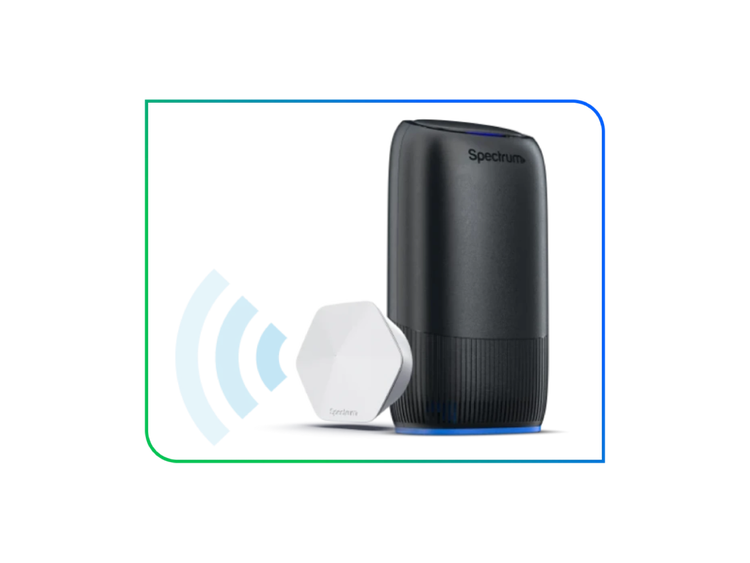
SPECTRUM WIFI EXTENDERS
Total Home Coverage
Enjoy uninterrupted freedom across your home with Spectrum WiFi Extenders.
- Now available with WiFi 7 technology for faster speed, expanded coverage and effortless connectivity across more devices.
$5/mo
per Extender

Every Room.
Effortless WiFi.
Better Coverage
Spectrum WiFi Extenders use mesh WiFi technology to create a single WiFi network across your home.
No Interruptions
Equipped with self-optimizing capabilities, Spectrum WiFi Extenders automatically connect devices to the strongest WiFi signal available as you move from room to room.
Simple Setup and Management
Simply plug Extenders into power outlets and they’ll seamlessly connect with your Spectrum Advanced WiFi router and all your connected devices.
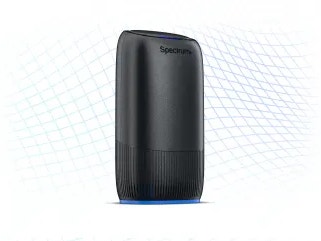
SPECTRUM ADVANCED WIFI
Powerful Mesh WiFi Technology
With Extenders, you can integrate with your Spectrum Advanced WiFi router and form a mesh WiFi network throughout your home that easily eliminates dead spots.
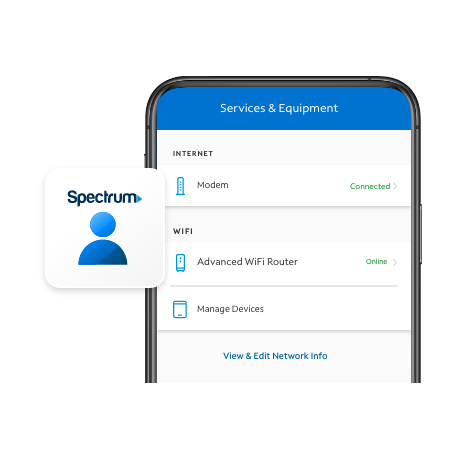
Easily Connect and Manage Your Extenders
The My Spectrum App makes it simple to control your home WiFi network and Extenders through Advanced WiFi.
- Easily install Extenders, then manage through the app
- Locate and name individual Extenders as needed
- Includes Security Shield to protect your network and devices from threats
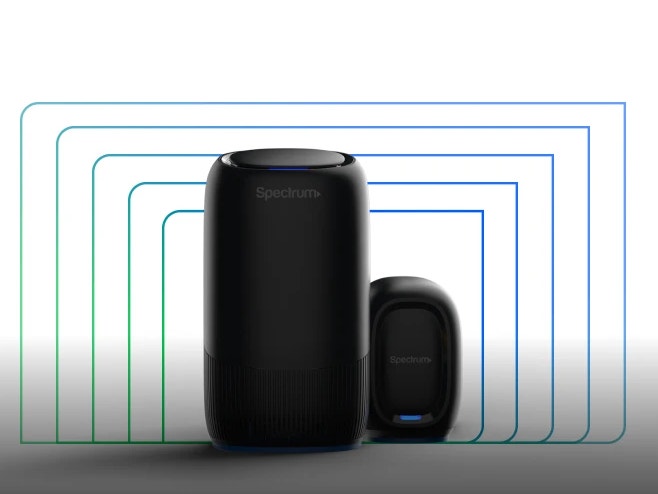
Stay Connected Through the Unexpected
Get added peace of mind with Invincible WiFi™ – a fully integrated WiFi 7, 5G and battery backup solution for constant connectivity during unexpected power outages.
More Spectrum WiFi Advantages
Frequently Asked Questions
Spectrum customer supportis also available 24/7 if you need help troubleshooting any
network issues.
Note: Get tips on placing your Extendersto get the best coverage possible.
WiFi 7 is perfect for networks with multiple devices, gamers, remote workers and smart homes. It offers an ultra-fast, secure connection and a lag-free experience across all your devices while future-proofing your network for the next generation of technology.