Spectrum WiFi Service
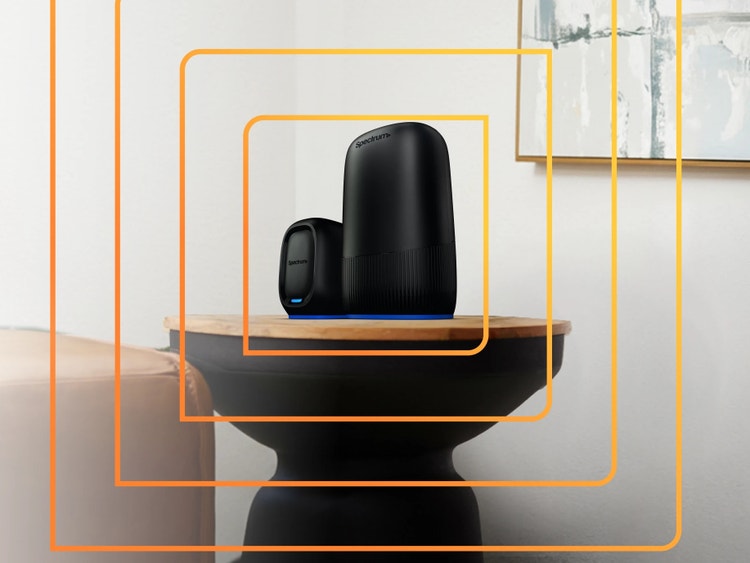
Stay Connected throughout your home with Spectrum WiFi. Learn about WiFi options, coverage, pricing, equipment and features designed to help keep your devices connected.
Explore Spectrum WiFi Solutions
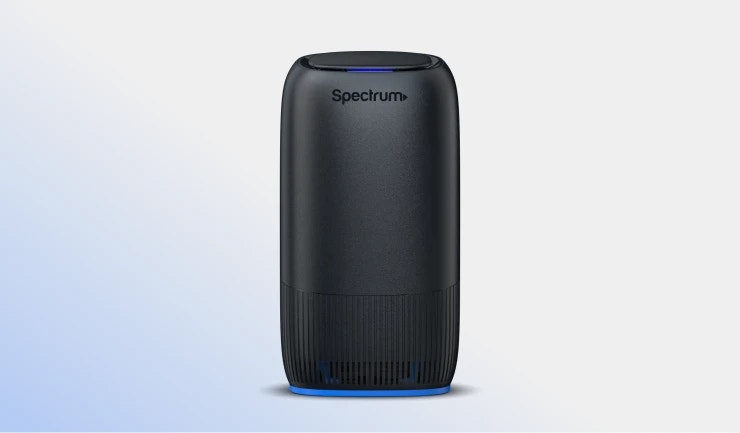
Advanced WiFi
Reliable whole-home WiFi with WiFi 7 technology and easy device management with faster speeds, ultra-low latency and AI-enabled protection.
$10/mo or included with Internet 1 Gig or with any bundle.
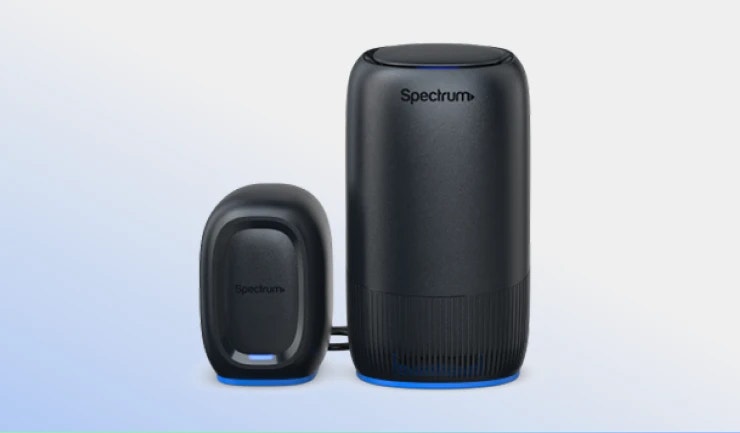
Invincible WiFi™
Enjoy enhanced WiFi coverage with an 8-hour backup for seamless connectivity during unexpected power outages.
$30/mo or $20/mo for Advanced WiFi customers. Included with Internet 2 Gig.
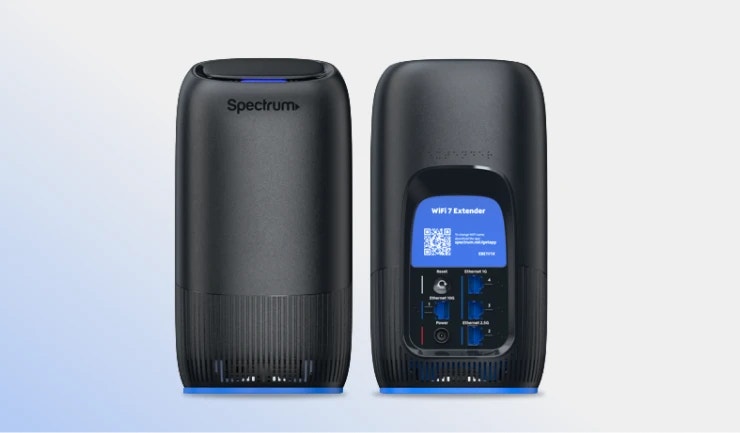
WiFi Extenders
Expand WiFi 7 coverage and eliminate dead spots for larger homes with up to 2,000 sq ft of coverage, ensuring reliable access for all your devices – powered by WiFi 7.
$5/mo per extender.

Get connected fast, in under 10 minutes
Pick up your Express Connect Kit in-store, have it shipped right to your door or schedule an appointment to skip the line. Then self-install Internet in under 10 minutes.
• No tech visits • No waiting • Just Internet
Stay Connected Beyond Your Home

ADVANCED WIFI
Everyday Reliability
However you use your network, Advanced WiFi connects multiple devices, gamers and smart homes with ease.

INVINCIBLE WiFi™
WiFi Enhanced with Backup
Includes all Advanced WiFi benefits plus 5G and battery backup for those who need to stay connected through unexpected power outages.

INVINCIBLE WiFi™ + EXTENDERS
Complete Coverage + Backup
Offers the most complete WiFi experience for larger homes, combining Invincible WiFi for Internet backup, and Extenders to provide additional 2,000 sq. ft. of coverage.
Choose Spectrum WiFi
WiFi 7 Technology Available
Designed for faster performance and more connected devices.
Reliable Home WiFi
Stay Connected across streaming, gaming and smart devices.
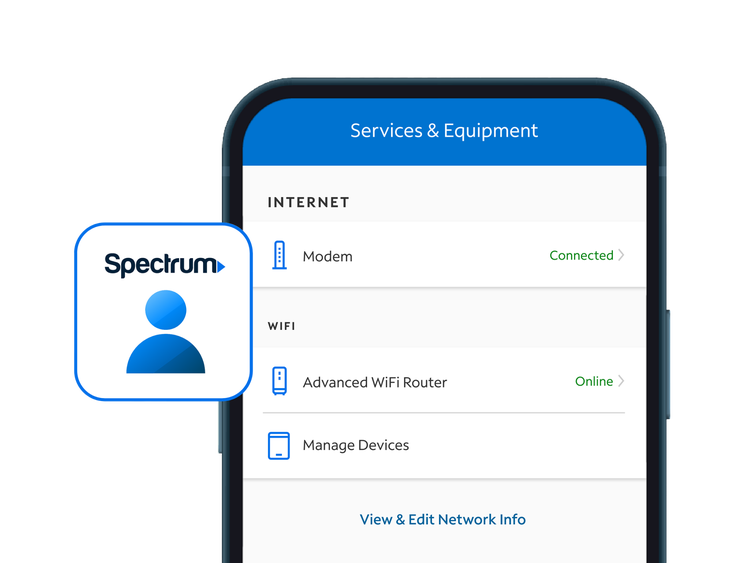
Manage Your Home WiFi with the My Spectrum App
The My Spectrum App makes it easy to manage your WiFi network from anywhere.
- Get notified and control who’s connected to your Spectrum Advanced WiFi network
- Easily manage WiFi network settings from wherever
- Supervise device access and usage time with parental controls
Frequently Asked Questions
You can get Spectrum Advanced WiFi for just $10 a month when you add Internet. If you choose Spectrum Internet® and Spectrum Mobile®, then Spectrum Advanced WiFi is included at no additional charge. Bundle more Spectrum products and enjoy even better savings.
Spectrum Advanced WiFi is included with Internet 1 Gig or higher; or when you bundle Internet with Mobile or TV. Shop now and see how much you can save on Spectrum Internet.
Spectrum Advanced WiFi is included with Spectrum Internet 1 Gig or higher. Or bundle any Internet plan with TV or Mobile and get Advanced WiFi included plus two- and three-year savings. When bundled with Internet 500, Spectrum Advanced WiFi is $10/mo.
Spectrum Invincible WiFi™ is included with 2 Gig Internet.